

Style Lab
One photo. 52 ways to see it.
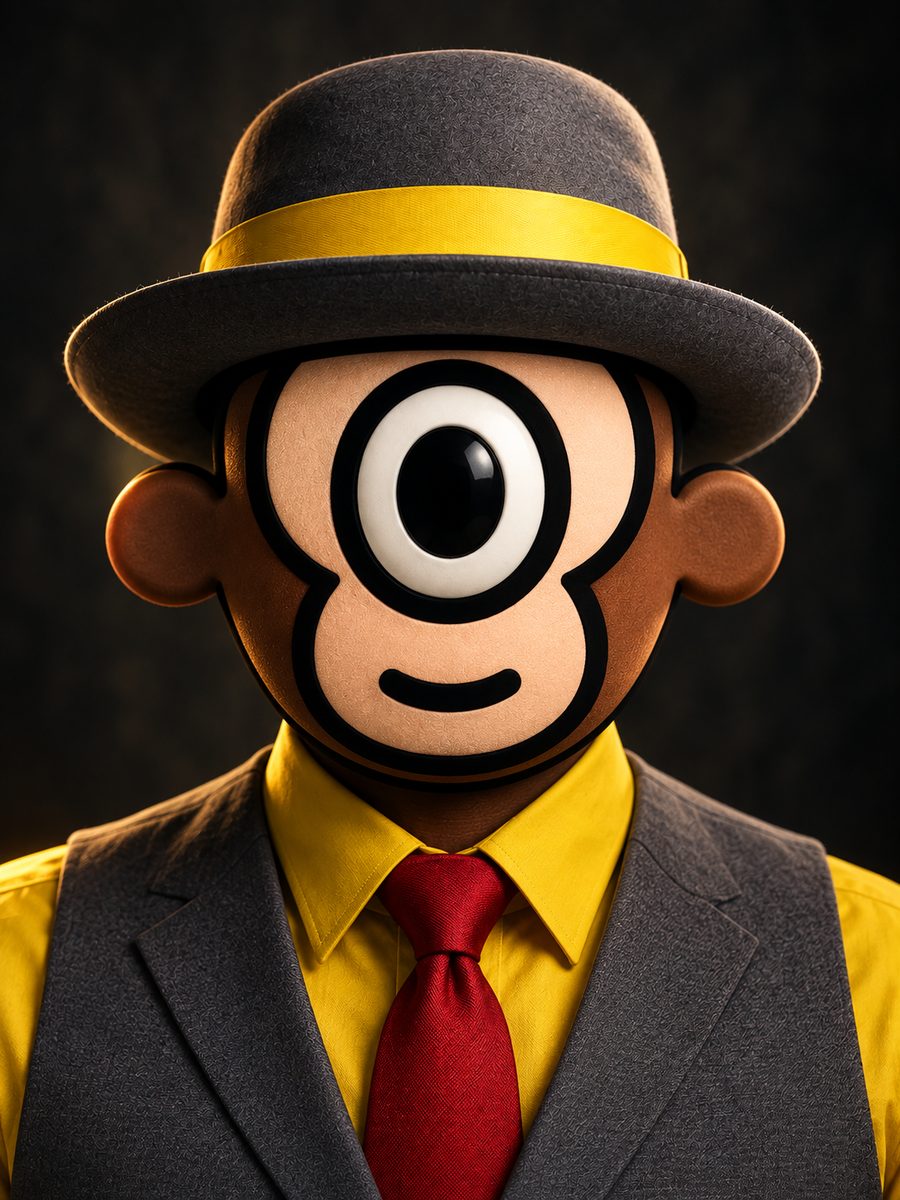
One portrait, put through 52 different illustration styles. Click any style and the picture changes. Each comes with a short note on who started it and when, plus the exact prompt that produced it: copy it and run it on your own work.
From experiment to practice
Style and light are creative decisions.
These free explorations show how visual references become directed work. See how Han Yong brings that process into creative direction and corporate AI training.
Explore AI Creative Work →How to use it
Pick a style
Filter by family or search an era, an artist, a place. The picture updates the moment you click.
Read the note
Who started it, when, where, and who is known for it. Twenty seconds of art history that makes the prompt make sense.
Copy the prompt
Paste it into Midjourney, Firefly, Gemini or ChatGPT and attach your own photo as the reference image.
Why the prompts are written this way
Every prompt here describes technique (the tool, the palette, the surface, the printing flaw) instead of saying "in the style of" a named living artist. That is deliberate. Technique prompts survive model updates, work across Midjourney, Firefly and Gemini alike, don't get refused, and give you an image that is yours rather than a pastiche of someone still working. The artists are named in the notes, where credit belongs, not in the instruction.
Want to do this with your own brand?
This page is a demonstration of one idea: that knowing why a style looks the way it does is what separates a usable AI image from a lucky one. That is the whole argument of the training.
Talk about training